AxesSim’s electromagnetic simulation solutions help engineers design and optimize innovative products and systems. The new version 2601 offers our customers a range of new features to improve productivity and the accuracy of simulation results.
AxesSim simulation solutions provide designers with high-performance tools to deal with these situations. AXS-AP to optimize antenna placement, AXS-EMC to improve equipment and system performance, and AXS-SAR for human quantification of these improved electromagnetic environments.
3D simulation features are implemented in AxesSim’s MaxSim and Temsi-FD (an FDTD solver integrated into MaxSim) products.
The new version 2601 offers the following improvements and new features 👍
Waveform management :
Release 2601 brings several improvements to waveform management in the MaxSim and Cablesim tools.
In order to facilitate the implementation of coupling (unidirectional and bidirectional) between MaxSim and Cablesim, the waveform definition windows have been standardized, ensuring consistent excitation configuration. Waveform parameters are retained, allowing configurations to be retrieved after closing the tool, project or simulation.
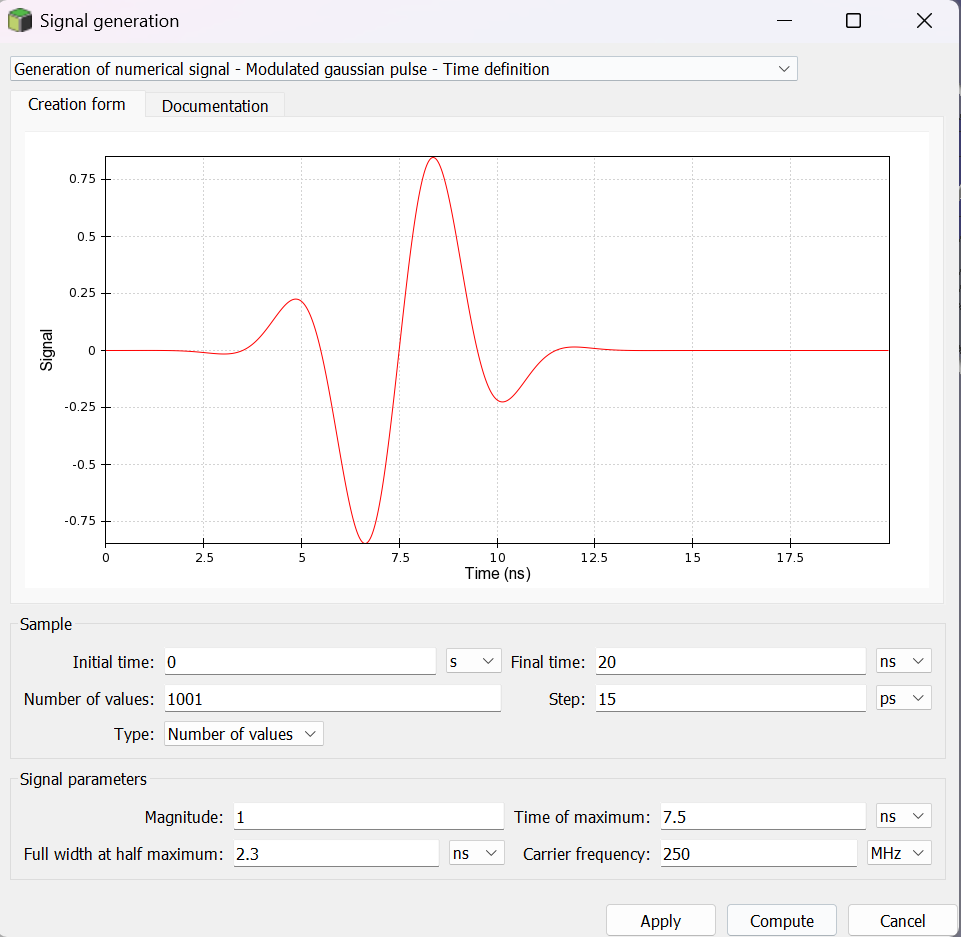
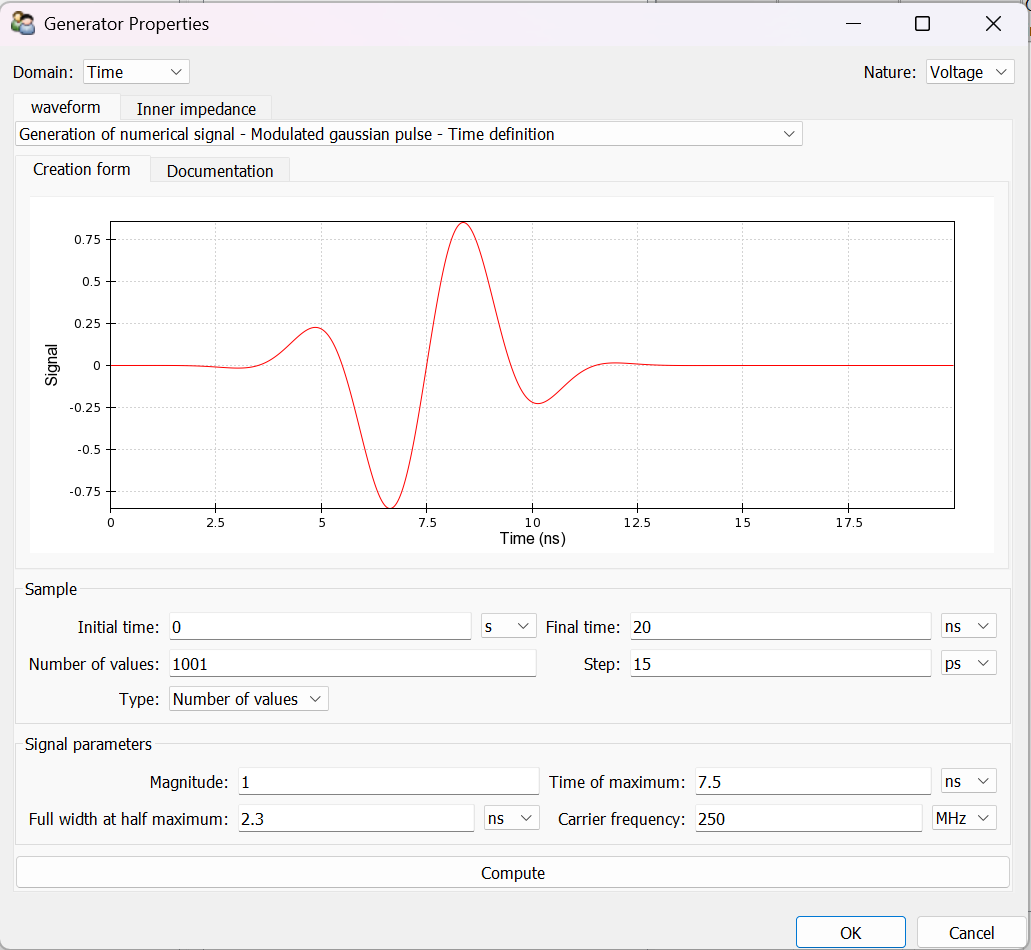
Furthermore, it is now possible to import and/or export analytical waveforms in MaxSim. Where possible, waveform definitions in native Temsi-FD files are written analytically. If this is not possible, the waveform is represented by a digital file.
MaxSim
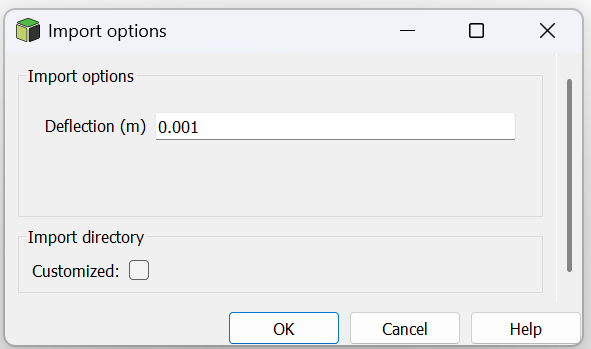
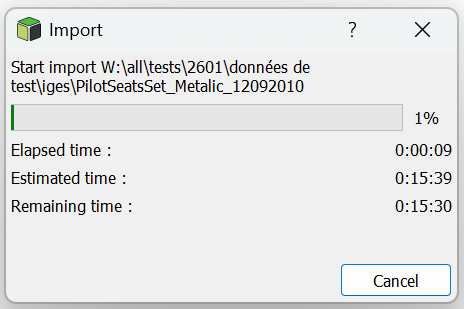
It is now possible in MaxSim to import CAD geometry in STEP or IGES formats directly into Nash and MaxSim. CAD triangulation is performed during import.
Kawa

Kawa is Axessim’s product dedicated to exploiting results. It handles data processing and visualisation.
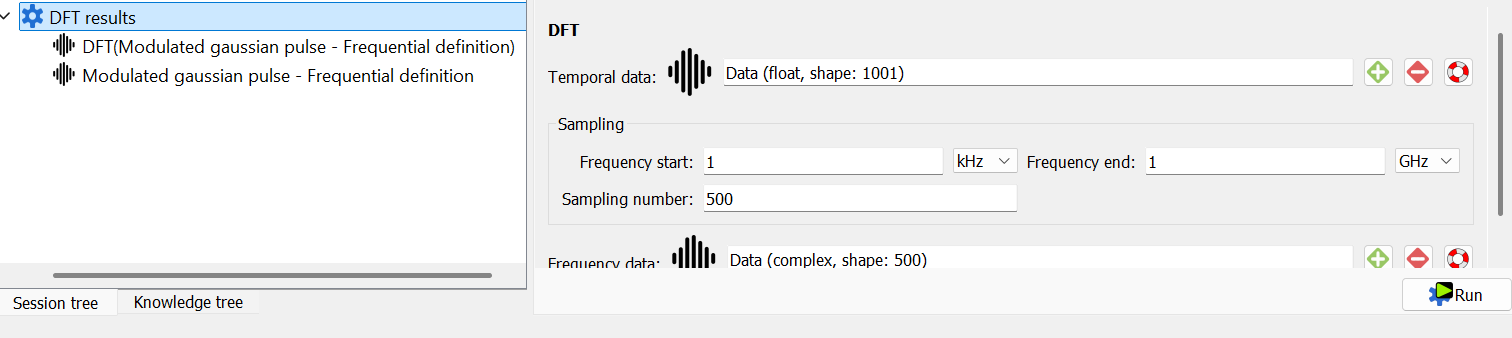
As part of release 2601, improvements and new features have been added to sheet management. A sheet corresponds to a processing module that allows a specific operation to be applied to one or more input data items (for example, a Fourier transform applied to a time signal).
These improvements and new features enhance workflow consistency and facilitate the reuse of processes.
The improvements and new features introduced in version 2601 are as follows:
Saving results : the results from scalar sheets are now retained via the automatic creation of a dedicated node in the project tree, making them easier to consult and trace.
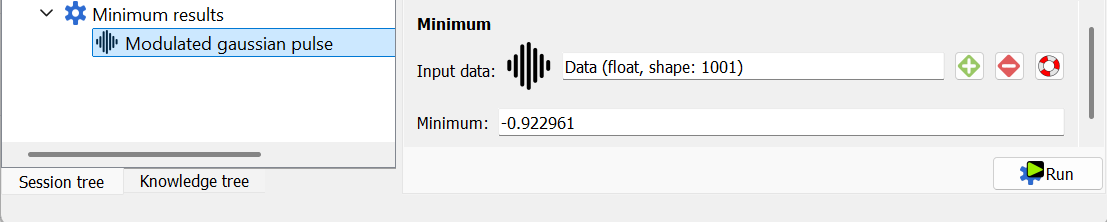
Re-execution of calculations : A sheet can be used to restart one or more calculations. After an initial run, the user can replay the same form by modifying the input data and parameters.
Bidirectional coupling
The release 2601 also introduces developments in bidirectional coupling, enabling interaction at each time step between the Temsi-FD 3D solver and the Milo 1D transmission line solver.
To facilitate implementation, several improvements have been made to MaxSim and Cablesim tools.
Automatic synchronisation of cable routing between MaxSim and Cablesim : any changes made to cable routing in MaxSim are automatically updated in Cablesim and vice versa.
Simplification of the exchange between 3D solvers (Temsi-FD) and 1D Milo. The link between the 3D simulation and 1D simulation is made when creating the cable harness in Cablesim.
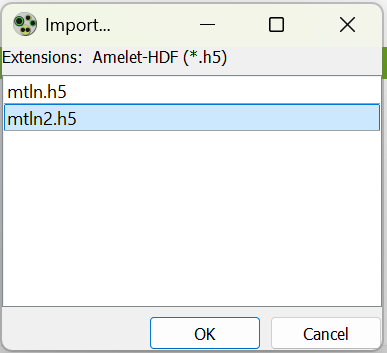
When creating a cable harness in Cablesim, the user can choose the type of interaction between the field and the cable bundle
The type of interaction can be either : “Unidirectional coupling”, “Bidirectional coupling”, “Uni and bidirectional coupling”, “No coupling with the field”.
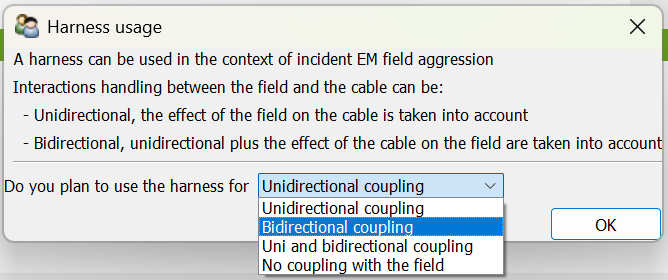
From there, this usage is exploited in the following actions if we are in the case of bidirectional coupling.
→ Generation of matrices with calculation of generalised matrices.
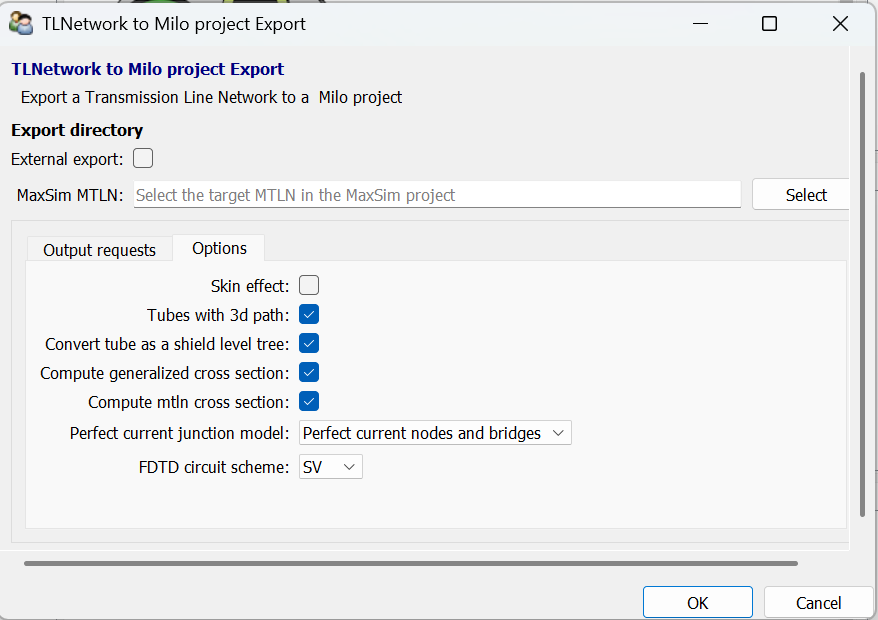
→ Generation of transmission line network with subcircuits :
- Export 3D path
- Export shield level